See a profile. Choose a conversation.
Check languages and interests before sending a call or chat request. Connect when the other person accepts.
Language exchange, one voice at a time
Say your first hello in Korean, share your day in Japanese, or practice English together. Check a profile, send a request and start talking when the other person accepts.
Basic random voice calls: 7 free minutes per call



NEON is a language exchange app for conversations with real people. Get to know each other through calls, chat, voice rooms, public questions and Moments.
Check languages and interests before sending a call or chat request. Connect when the other person accepts.
Basic random voice calls are free for seven minutes each. Start with a short introduction and extend a call if you both want to keep talking.
Follow subtitles and translations during a call, or translate a message in chat. Learn expressions directly from the person you are talking to.
Browse rooms by topic and language. Listen to a group conversation or join in when you feel ready.
Share your day through photos and voice posts. Answer public questions in your own language, or plan a time to meet using Together.
Leave an uncomfortable conversation at any time. Use the report and block options in profiles and conversation screens.
Add the language you speak and the languages you want to practice to your profile.
Open Start matching, check a profile and send a call or chat request.
An online recipient sees the request screen. Your conversation starts after acceptance.
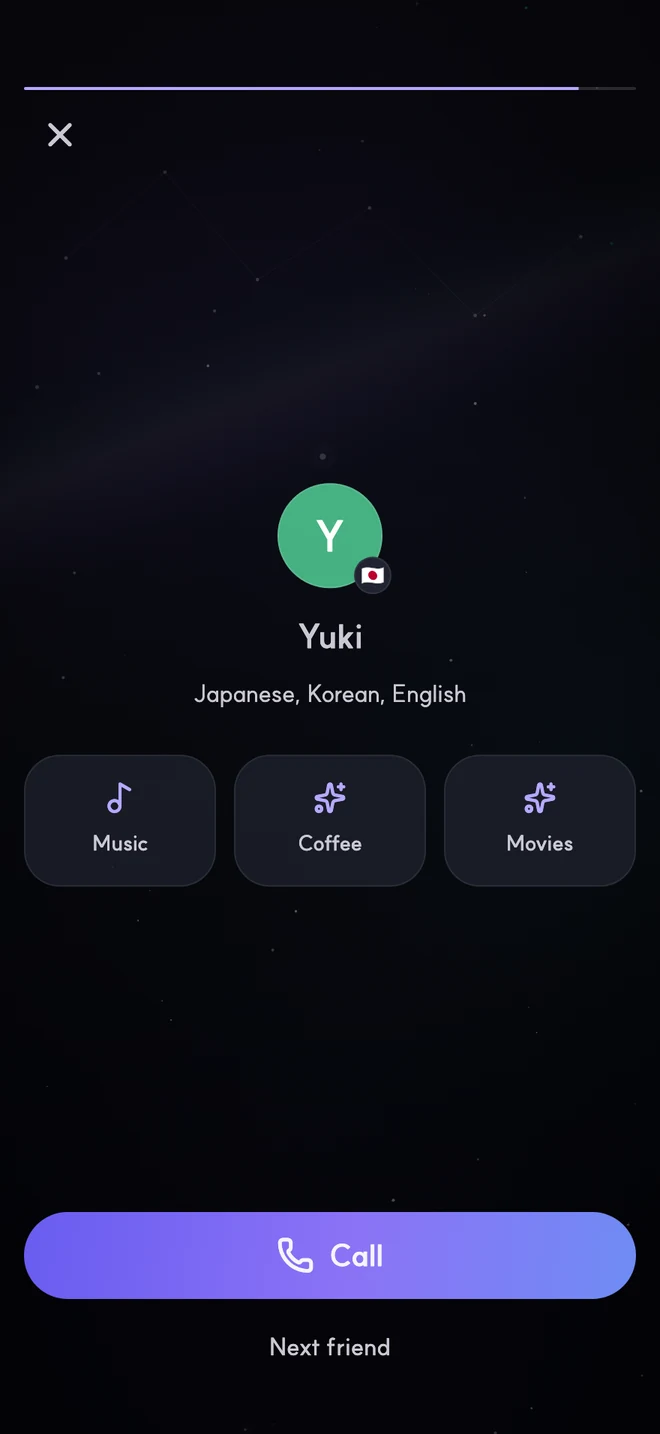
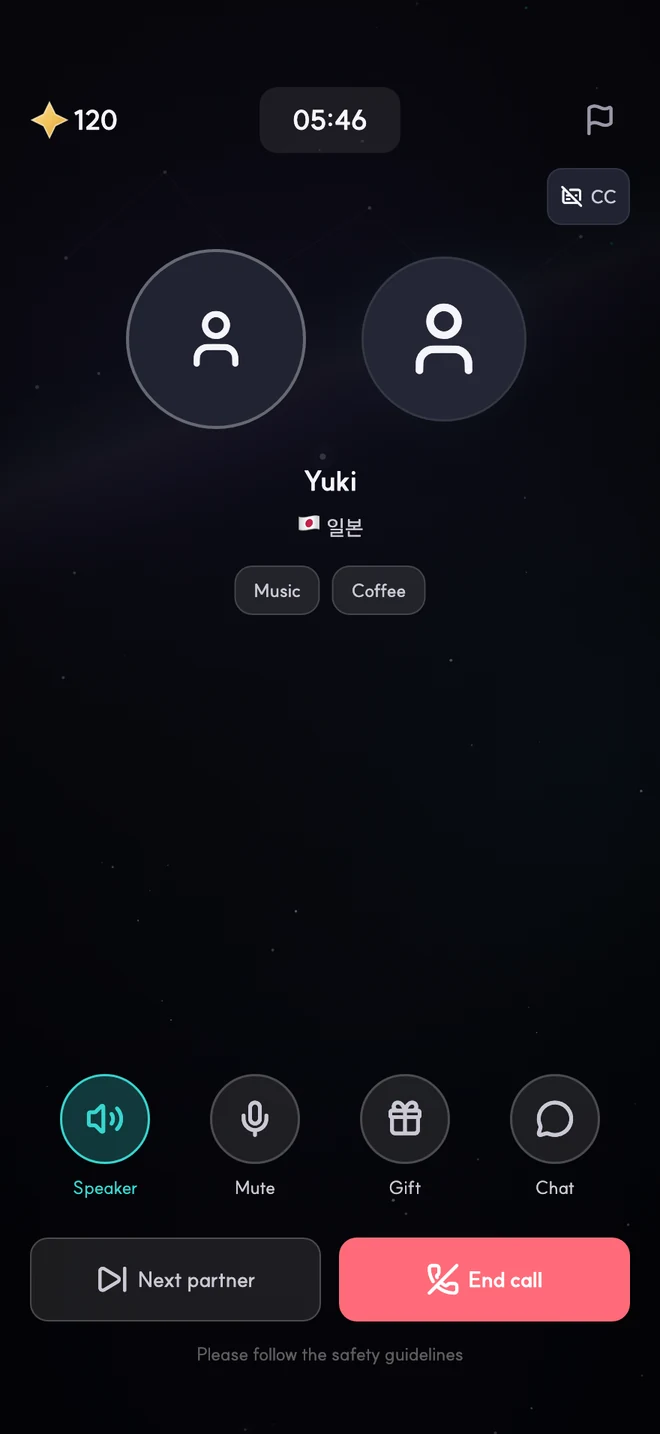
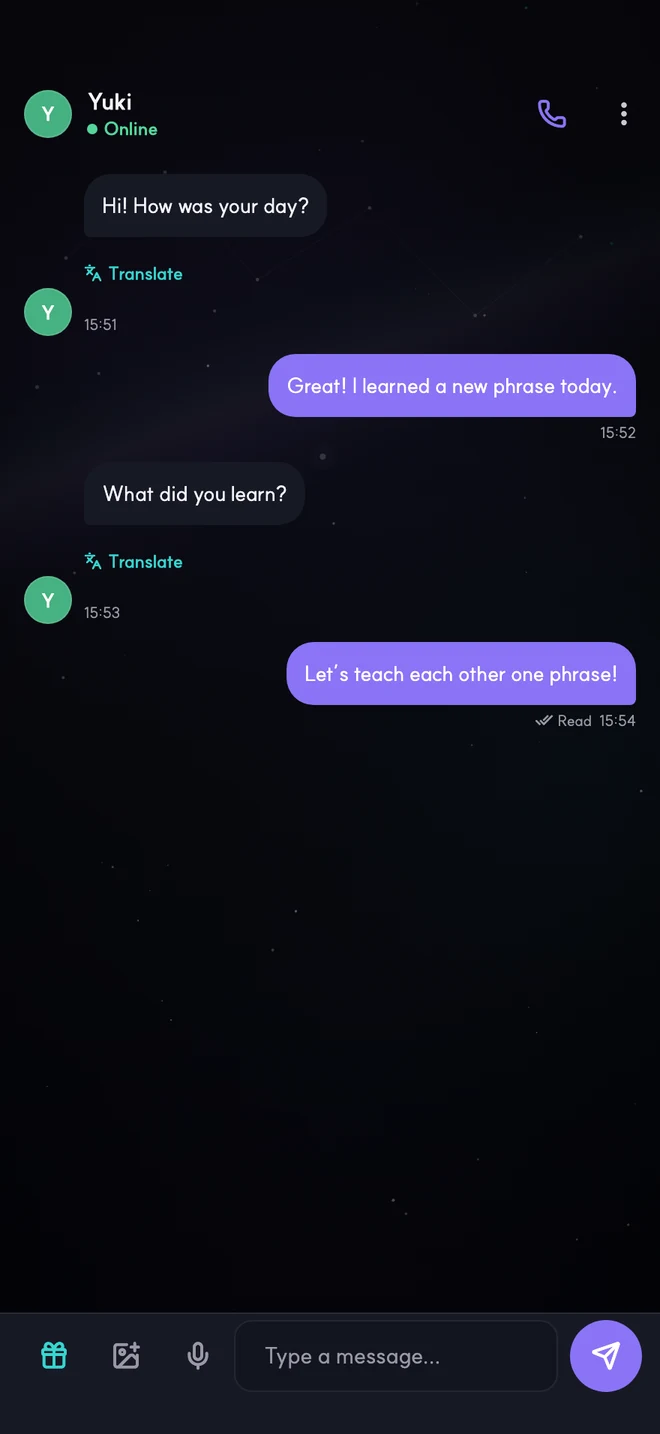
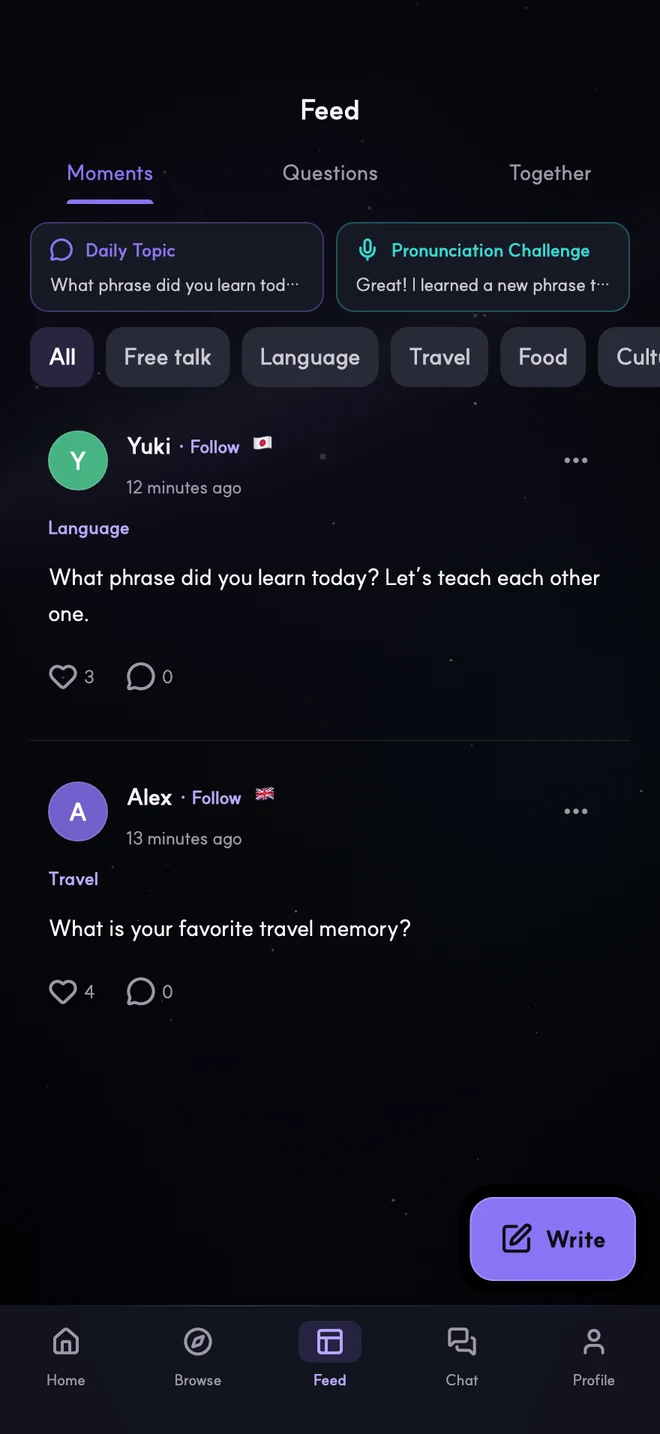
Start new random calls without a limit on the number of calls.
Choose an extension when you want more time together.
Members have unlimited participation time. Some rooms have an entry fee.
The app interface supports 15 language and regional settings, including Korean, Japanese, English, Simplified Chinese and Traditional Chinese.
Set your learning languages and interests on NEON, check a profile and send a call or chat request. Language exchange starts when the other person accepts.
↗Official guideOn your first language exchange call, introduce your nickname and learning language, then choose one shared interest and ask each other a simple question.
↗Official guideChoose a call or chat in Start matching, send a request and wait for acceptance. During a conversation, choose call subtitles or translate individual chat messages when needed.
↗Official guideEnd an uncomfortable conversation, then choose Report or Block from the person’s profile or the conversation menu. You do not have to keep talking to someone who makes you uncomfortable.
↗Practical stories about language exchange, language learning and understanding cultural differences. Articles are in Korean.
↗NEON is a language exchange app for voice calls and chat with real people. Check languages and interests, send a request and connect when the other person accepts.
Set your learning languages and interests, open Start matching and choose a call or chat. Check a profile before sending a request. Detailed filters such as country use Stars.
Basic random voice calls are free for seven minutes per call, with no limit on the number of new calls. Extending a call with the same person by eight minutes uses 12 Stars.
Use live subtitles and translation during calls, or tap Translate on a foreign-language chat message. Ask the other person to repeat or slow down if a translation is unclear.
The recipient must accept before you connect. An offline recipient receives a notification. Connection depends on the other person’s availability and response.
Matching calls and chat connect you with one other person. Voice rooms are shared spaces for several people and can be found in Browse.
Download NEON from the App Store for iPhone or Google Play for Android. Select the official store badge on this page.
When you are ready for your first hello, meet us on NEON.
Download NEON ↑